
Airtable vs Notion in 2026: Which Fits Your Lead Tracking Best?
Airtable vs Notion for leads. Airtable is the better database; Notion is half the price. Airtable's free plan caps at 1,000 records. Verified 2026 pricing.
Of all the tools people compare Notion against, Airtable is the only one that beats it at its own game. Monday and ClickUp are project tools with databases attached. Airtable is a database, full stop, and a good one.
So this comparison is different from the others, and more honest for it. The question isn't which tool is more capable at holding structured data, because that answer is Airtable. The question is whether you need that capability enough to pay roughly double for it and give up the thing Notion does that Airtable can't.
Both price lists here were read off the vendors' own pages this month. That matters: several widely-read comparisons still quote Notion prices from 2024, and a Notion vs Airtable comparison built on those gets the money backwards.
What Airtable vs Notion Actually Compares
Both let you build a table of leads. That's where the similarity stops.
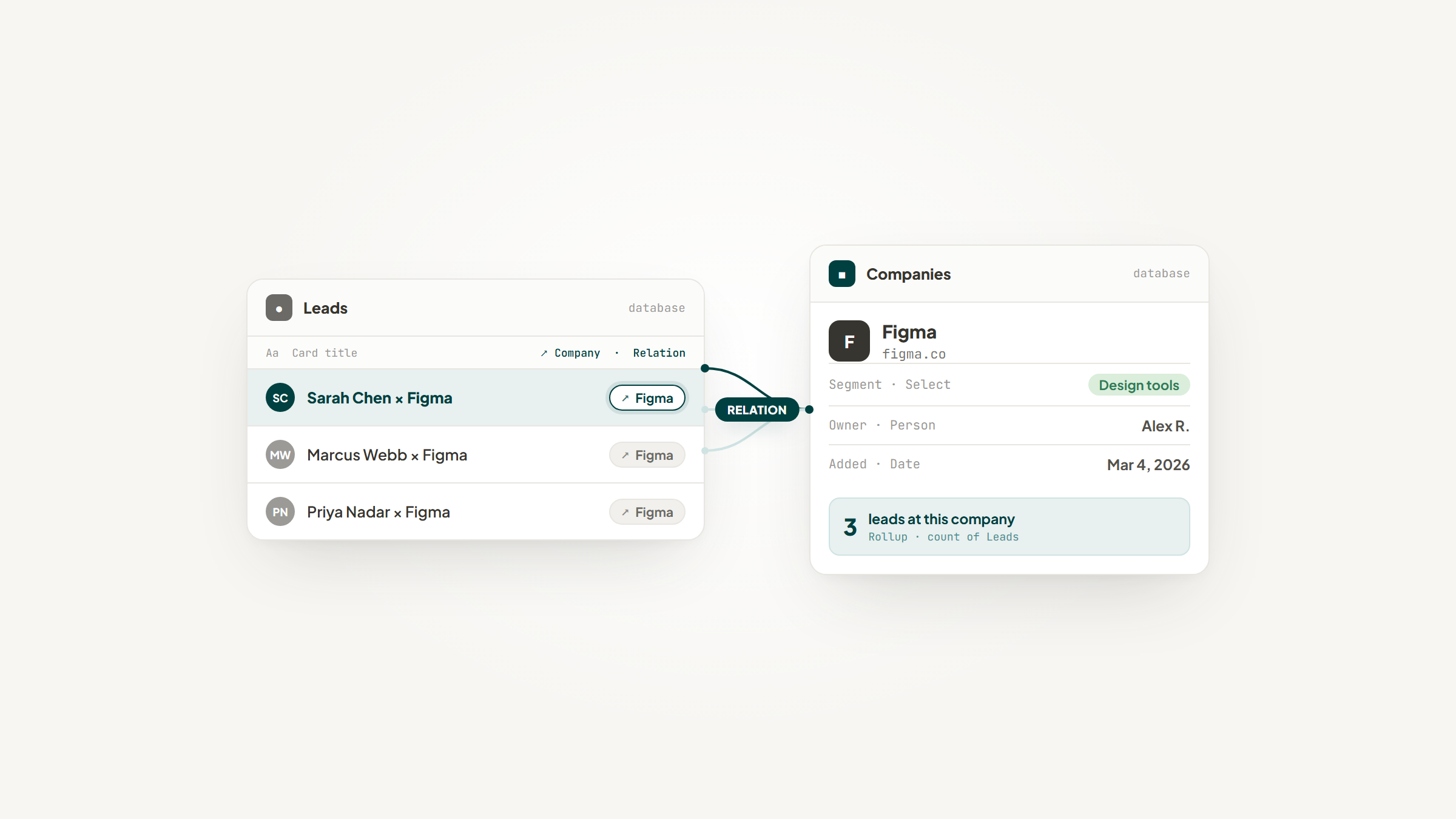
Airtable descends from spreadsheets and relational databases. A record is a row. Fields have enforced types, so a currency field holds currency and refuses anything else. Records link to records in other tables, and rollups aggregate across those links.
Notion descends from documents. A database row is a page, with a body you can write in. Properties sit on top of that page. Relations exist and work, but the row is a document first and a record second.
That single difference explains everything below: why Airtable is faster at 10,000 rows, why Notion is better for a lead you need to write two paragraphs about, and why plenty of teams pay for both.
What Airtable Is
Airtable's own framing has moved to AI and teamwork, but the engine underneath is the same.

Airtable's homepage, airtable.com (July 2026).
"AI transformed individual work. Airtable transforms teamwork" is the current headline, with claims that 80% of Fortune 100 companies use it. Those are Airtable's own numbers, not independent research, so take them as positioning.
What's underneath is a genuine relational database with a spreadsheet's manners: grid, kanban, calendar, gallery, gantt and timeline views, interfaces you can build for other people, and an automation engine that runs JavaScript if you want it to.
What Notion Is
Notion's center of gravity is elsewhere.

Notion's homepage, notion.com (July 2026).
Pages, wikis, docs, and databases that live inside the same workspace as everything else. A lead in Notion can sit next to the proposal you wrote, the meeting notes, and the onboarding checklist, all linked.
It's the more flexible tool and the less rigorous one. Both halves of that sentence matter.
Airtable vs Notion Pricing
This is where the received wisdom is backwards. Airtable is not the cheap option.

Airtable's pricing page, airtable.com/pricing (July 2026).

Notion's pricing page, notion.com/pricing (July 2026).
Airtable | Notion | |
|---|---|---|
Free | 1,000 records/base, 5 editors | Unlimited pages, 5MB uploads |
Entry paid | Team $20/seat/mo | Plus $10/seat/mo |
Mid | Business $45/seat/mo | Business $20/seat/mo |
Top | Enterprise Scale, custom | Enterprise, custom |
AI | Credits per plan (500 / 15k / 20k) | Bundled in Business+ only |
Those are annual rates; monthly is higher on both (Airtable $24 and $54, Notion $12 and $24).
Read the middle rows again. Airtable Team costs the same as Notion Business, and Airtable Business costs more than double it. For a five-person team on the mid tier, that's $2,700 a year against $1,200.
Airtable's AI works differently too, and most articles have this stale. It isn't a flat per-seat add-on any more; it's monthly credits bundled per plan, with extra credits at $20 per 10,000. Notion's is the opposite: no add-on at all, bundled into Business or nothing.
The Free Plan Ceiling
If you're tracking leads, this is the number that decides your first year.
Airtable's free plan stops at 1,000 records per base. Not soft-throttled, capped. Every source we checked agrees, and so does Airtable's own pricing page. Your data isn't deleted when you hit it; you simply can't add more until you pay.
Notion's free plan has no record cap. It has other limits (5MB file uploads, 7-day page history, a 10-guest ceiling, and block limits once you're more than one member), but the number of leads isn't one of them.
So for a solo founder with 3,000 leads, Airtable's honest price is $20 a seat a month and Notion's is zero. That's the clearest practical difference in the whole comparison, and it's the one Airtable's marketing doesn't lead with.
Where Airtable Genuinely Wins
This is the longest section in the article, because Airtable earns it.
Start with the fact that it's a real relational database. The model Airtable implements, tables with enforced types linked by keys, is the one E.F. Codd defined in his 1970 paper that underpins essentially every relational database since. Notion's page-as-row model deliberately doesn't enforce that. Airtable isn't imitating a database; it is one.
Field types are enforced, and that prevents a specific, boring, expensive class of error. In Airtable a currency field formats itself. In Notion, someone types "$1,250.00" into a text field and hopes nobody typos it.
That sounds trivial until you read the research. Ray Panko's peer-reviewed synthesis of spreadsheet-error studies found errors in 86% to 91% of the real operational spreadsheets audited in the later, better-designed field studies, while the people who built them estimated their own error odds at 10% to 18%. Unenforced data goes wrong, and the person entering it is the last to know.
It also stays fast. Practitioners consistently report Notion getting sluggish somewhere in the hundreds of database entries, while Airtable handles thousands comfortably. The exact thresholds vary by who's testing, so treat them directionally, but the direction is unanimous.
Its automations are more powerful too, including scripting and more mature webhooks, where Notion's are simpler and can't reach outside Notion at all.
Permissions go to field level, so you can hide a deal-value column from someone who can still see the record. Notion's stop at the page, which is a long-standing and openly acknowledged gap. And Airtable's API allows more requests per second, which matters the moment you automate anything at volume.
None of that is close. If the question is purely "which is the better database," the answer is Airtable and there's no honest way to argue otherwise.
Where Notion Genuinely Wins
Most Airtable vs Notion features comparison tables stop after the database round, which is where Airtable wins. Notion's advantages are narrower and, for some teams, decisive.
The first is that a record is a document. A lead's page holds the call notes, the proposal draft, and the thinking, as real content rather than a cramped text field. Airtable has long-text fields; it does not have a page.
The second is that the leads live with everything else. Wiki, docs, roadmap, and pipeline in one workspace, linked. In Airtable the base is a thing you visit.
The third is price, and it isn't close: half, at every paid tier, plus a free plan without a record ceiling.
The fourth is flexibility. Notion doesn't insist your data have a shape before you know what shape it is.
What Practitioners Actually Do
The most useful account we found came from someone who built a 10,000-company directory in both, roughly 30 fields per record, and wrote up the result.
Airtable's wins were exactly the ones you'd predict: scrolling the full 10,000-record grid was "a dream." Its losses were more interesting. No bulk-edit of properties was "almost a deal breaker," multi-select took more clicks than Notion, and the small-team cost came out around three times higher. Notion, meanwhile, was "very laggy when scrolling through the full 10k list" but had stronger cross-table relations and quicker filtering.
The top reply in that directory thread doesn't hedge: "Airtable is an actual database platform. Notion is a document platform that has database capabilities that are nice if you don't stress them much."
The other pattern worth knowing is that experienced users often stop choosing. As one put it in another thread, keep Notion for almost everything and embed Airtable wherever you need real tables and automation. Both are anecdotal, but they agree with each other and with every review we read.
The Airtable vs Notion reviews tell you less than you'd hope. G2 puts both at 4.6 out of 5, and Capterra has Notion at 4.8 and Airtable at 4.7. Those gaps are noise, and the review bases aren't comparable anyway: Notion has roughly three times the volume and skews toward people who came for docs. Don't pick on scores.
Getting Leads Into Either One
Whichever you choose, something has to put the lead in, and neither tool does that part.
Airtable won't read the page you're browsing. Neither will Notion. Both wait for you to switch tabs, copy a name, paste it, copy the website, paste that, and repeat. The database is only as current as your patience.
On the Notion side, that's what Lead to Notion does. It's our free extension, and its job is narrow: the record exists by the time you've finished reading the company's homepage, without a tab-switch.
One of its habits is worth naming here, given the section above. It refuses to write the same company twice, checking the database before it saves. That's the duplicate check Airtable's field types would give you and Notion's don't.
It's free, open source, and nothing leaves your machine. The caveats: no Web Store listing yet, so it's an unpacked folder loaded through Developer mode, and the database needs its fields mapped once. See the setup guide.
It won't give Notion enforced types, and it won't make it quick at 10,000 rows. It deletes the typing. That's all, and that's true.
Which One Fits Your Lead Tracking
Airtable vs Notion differences resolve cleanly once you know which failure you'd rather have.
If you… | Pick | Why |
|---|---|---|
Have more than 1,000 leads and won't pay yet | Notion | Airtable's free plan caps at 1,000 records per base |
Need clean, typed, reliable data | Airtable | Enforced field types; Notion trusts you |
Write real notes on every lead | Notion | A row is a page, not a text field |
Run 10,000+ records | Airtable | Notion slows down first, by a lot |
Need rollups and cross-table math | Airtable | Notion can't aggregate across relations natively |
Want leads beside docs and wiki | Notion | One workspace, real relations |
Are cost-sensitive at team scale | Notion | Half the price at every tier |
Need field-level permissions | Airtable | Notion's stop at page level |
The honest summary is the one the practitioners reached on their own: Notion is where you think, Airtable is where you compute.
Airtable vs Notion for customer database startups usually resolves the same way. Notion until the data outgrows the flexibility, then Airtable for the parts that need rigor. And any Notion vs Airtable for teams comparison should start with headcount times tier, because that's where the two-times price gap stops being abstract.
How to Test This in an Afternoon
Any airtable vs notion comparison, this one included, is a proxy for the only test that settles it: putting your own leads through both. It takes an afternoon and it beats a month of reading.
- Export 50 real leads from wherever they live now, messiness intact.
- Build the plainest version in each: company, deal value, stage, last contact, notes.
- In Airtable, set the deal-value field to Currency. In Notion, notice that you can't, and that nothing stops you typing "about 4k" into it.
- Add a second table for contacts and link it to companies in both. This is the step where Airtable's relational model earns its money and Notion's starts to strain.
- Ask each one for total pipeline by stage. Time how long it takes you, and note which one made you open a spreadsheet.
- Now write three paragraphs of call notes on one lead in each, and see which one you'd want to reread in six months.
Steps 4 and 6 are the whole comparison in miniature. Most people find one of them obviously harder in one tool, and that's their answer.
Making the Call
Ask what your leads are made of. If a lead is a row of facts you'll filter, sort, sum, and report on, Airtable is the better tool and it's worth the money. If a lead is a relationship with a document attached, Notion is, and you'll save half.
Then check the ceiling before you commit. Airtable's 1,000-record free cap and Notion's performance wall are both real, and you'll hit one of them. Knowing which arrives first for your volume is worth more than any feature table, including ours.
And if the answer is Notion, download our extension so the rows fill themselves. More on our blog: Notion vs Monday and Notion vs ClickUp cover the CRM-shaped rivals, Notion automations covers what runs unattended once your data lands, and the Notion HubSpot integration piece is for anyone whose CRM lives elsewhere.
Frequently asked questions
Yes, and it isn't especially close. Airtable implements a genuine relational model: enforced field types, linked records, and rollups that aggregate across those links. Notion's database row is a page with properties attached, which is more flexible and less rigorous. Notion vs Airtable for databases comes down to whether you want data that's enforced or data that bends. If you'll filter, sum, and report on it, Airtable. If you'll write about it, Notion.
Turn Notion into your CRM
Lead to Notion is a free Chrome extension. Save leads to your Notion database in one click, add notes, and track your pipeline. No account, no server.