
How to Use Notion Gmail Integration for Lead Management in 2026
Notion Mail shuts down 22 September 2026. See what survives, why the Gmail AI Connector can't write to databases, and the real ways to get email into Notion.
Start with the fact that changes everything else: Notion Mail is being switched off on 22 September 2026.
Notion says so on its own help pages, and TechCrunch reported it in June. Exports opened on 25 June, the last day to save your data is 21 September, and the app goes dark the day after. If you've been reading about Notion Mail as the answer to connecting Gmail and Notion, you've been reading about a product with about two months left.
That reshapes the whole topic. Every Gmail Notion integration guide written before June 2026 is now pointing at a product that won't exist, and most of them haven't noticed.
So this guide covers what's dying, what survives, and what actually gets an email into a Notion database once the dust settles. If you want a Notion integration with Gmail that still works in October, start here.
Notion Mail Is Shutting Down: What You Need to Know
Notion Mail was Notion's third app, after Notion and Notion Calendar, built on the Skiff team it acquired in 2024. It launched in preview in October 2024 and became generally available on 29 April 2025. It was free, and it was Gmail-only from first day to last.
Notion's own explanation for killing it is worth quoting, because it explains the direction rather than just the decision: "As Notion agents have gotten more capable, we've seen more users hand off email workflows to them. Today, more than half of Notion Mail users manage emails without ever opening their inbox. So, we're going all in on using agents to run your inbox."
Here's what matters if you're using it.
Date | What happens |
|---|---|
25 June 2026 | Exports opened |
30 June 2026 | HIPAA and regulated workspaces were told to be off it |
21 September 2026 | Last day to save anything you want to keep |
22 September 2026 | App shuts down |
Your emails are safe. Notion Mail always synced two-way with Gmail, so the mail itself lives in Gmail and stays there. What disappears if you don't export it: drafts, scheduled emails, snippets, auto-label instructions, custom inbox views and sorting, snippet attachments, and email reminders.
The part that matters for lead management: existing synced databases keep the rows they already have, but stop receiving new emails after 22 September. Notion's own FAQ puts it plainly: "new emails will no longer sync into those databases, so the views will stop updating with new messages."
One footnote most coverage misses. Notion Mail could only write emails into databases from around January 2026. At its April 2025 launch it couldn't do that at all. So any article describing Notion Mail's database sync without a 2026 date is describing a version that didn't have it, and any article recommending it at all is now out of date in a more fundamental way.
The Three Notion Gmail Integration Options People Confuse
There isn't one Notion Gmail integration, there are three, and almost every article blurs them together. They're separate products with separate fates.
What it does | Status | |
|---|---|---|
Notion Mail | Full email client, Gmail-only, could sync email into databases | Dead 22 Sept 2026 |
Gmail AI Connector | Lets Notion AI search and summarize your inbox. No database writing | Survives |
Notion Mail AI Connector | Free connector tied to a Notion Mail account | Dies with the app |
The middle row is the one people mistake for a real integration. The Gmail AI Connector is genuinely useful and genuinely limited: it indexes your inbox so Notion AI can answer questions about it.
What it won't do: put anything in a database, handle attachments, or work quickly. It takes 0 to 30 minutes to index changes, looks back about a year, and can take up to 72 hours to fully ingest when you first connect it.
It also isn't cheap in practice. It needs Notion Business or Enterprise and a paid Google Workspace account, connected at admin level. A personal Gmail on Notion Plus doesn't qualify.
Notion's FAQ confirms the connector "works independently of the Notion Mail app," so it isn't affected by the shutdown. It just was never the thing you wanted if the goal was rows in a CRM.
How Do I Connect Gmail to Notion?
The honest answer, after the shutdown, is that nothing Notion ships does it properly. Here's what actually does, with pricing off each vendor's page this month. Any gmail to notion integration you build in 2026 will be one of these five.
Method | Cost | What you get | The catch |
|---|---|---|---|
Point tools | $2.49 to $19/mo typically | Forward an email, get a mapped row | Another subscription; quality varies |
Zapier | Free for 100 tasks · $19.99/mo up | New Email fires, a row appears | The free tier checks your inbox only 4 times an hour |
Make | Free for 1,000 ops · $12 Core | Same job, cheaper once volume climbs | Same 15-minute floor on the free tier |
n8n | €20/mo cloud, or nothing self-hosted | Whatever you can build | You are now maintaining software |
Notion automations | From Plus | Sends mail out via linked Gmail | Outbound only. Never captures. Flaky |
There's a caveat on the automation platforms that nobody mentions until you've built the thing: the email body arrives as plain text or raw HTML, not as clean Notion blocks. Your beautifully formatted email lands as a wall. If the point is archiving a lead's message, that's fine. If the point is reading it later, it's grim.
Connect Gmail to Notion With Zapier
If you want something working before lunch, this is it, and it's the recipe most people are hunting for when they search this.
The Build
Five steps, and step two is where most first attempts fail.
- Make an internal integration at notion.so/my-integrations and copy its secret. It'll begin `secret_` or `ntn_`.
- Now hand your database to it: `•••`, Connections, Add connections. Skip this and the token is worthless, which is where most people stall.
- In Zapier, set the trigger to Gmail's New Email, optionally filtered by label so you're not syncing everything.
- Set the action to Notion's Create Data Source Item, not Create Database Item, and pick your database.
- Map the fields you want: sender to a text property, subject to the title, date to a Date property.
That action name is a fossil of something bigger. In September 2025 Notion shipped multi-source databases and changed the API underneath: the old database query endpoint gave way to a data-source one, and the Search filter stopped accepting `database` in favour of `data_source`.
Zapier renamed its action to match, which is the only reason most people ever notice. Anyone writing directly against the API now has to look up a data-source ID before querying anything, and integrations that skipped that step simply stopped working.
The Dedicated Tools, Named and Priced
If you want email in Notion properly, the honest answer is that purpose-built tools do it better than a generic Zap. Prices below are what we found during research; check each one's page before you buy, since none of these were verified on their own pricing pages.
Tool | Roughly | Angle |
|---|---|---|
TaskRobin | $2.49 to $59.99/mo tiered | Forward to a unique address, lands in Notion |
SlapMail | ~$10/user/mo | Email sync, send from Notion |
Inbox2Action | ~$10/mo | Turns email into Notion actions |
NotionSender | Free tier (100 saved, 50 sent) · ~$19/mo | Save and send from Notion |
Quicktion | Not published | Gmail add-on plus forwarding |
Two things worth knowing about the category. Most work by forwarding: you get a unique address, you add a Gmail filter, and matching mail lands in Notion automatically. That's more reliable than polling and it survives whatever Notion does to its own apps.
And they generally beat Zapier on the thing Zapier is worst at, which is property extraction. A good point tool puts the sender in a Person field and the date in a Date field. A Zap tends to dump it all in the page body.
We'd take one claim with salt: Quicktion advertises a "98% success rate," which is a vendor self-report against no published test. Treat it as marketing.
Notion Gmail Automation: What Notion's Own Tools Can Do
Notion database automations include a Send mail to action, and it's the only native Notion for Gmail feature that survives September. It's worth knowing its shape, because it's the one piece of genuine Notion Gmail automation on offer.
It works only through a linked Gmail account, so no other provider is supported and you inherit Gmail's sending limits. It can take about two minutes to arrive, which is fine for a notification and wrong for anything urgent. It's available from Plus.
And it's reportedly unreliable. In an r/Notion thread about exactly this, a user described an automation that worked on the first test then silently stopped firing on every one after, with no logs anywhere in Notion to diagnose it. Deleting and re-adding the Gmail connection fixed it once, then it broke again. Two other users confirmed the same pattern, one noting the failure was specifically at the Gmail step.
That's anecdotal, but it's three people describing the same silent failure, and it matches what our own research found: the Gmail link is the flakiest step in any native chain.
Either way, it sends. It doesn't capture. Nothing in Notion's automation list watches an inbox and creates a lead from it.
Notion Mail vs Gmail: The Comparison That Just Expired
For about five months, notion mail vs gmail was a real question. It isn't anymore, but the answer explains why the product died and what its replacement has to beat.
Notion Mail was a genuinely nice inbox: AI-drafted replies, auto-labels, snippets, and from early 2026, the ability to save an email into a Notion database. Gmail is Gmail.
But it carried limits that never got fixed. One Gmail account per Notion account, so no unified inbox; users on Reddit were blunt about it. No attachment sync. No property extraction, so the sender and date landed as body text rather than fields. No persistence: delete the mail in Gmail and it vanished from Notion. And labels Notion added stayed in your Gmail even after you disconnected.
So the honest verdict on a dead product: it was a better inbox than a better integration. Which is roughly why Notion is replacing it with agents rather than rebuilding it.
Notion AI for Gmail, and What Replaces the Mail App
Notion's official answer to "what now" is to rebuild the workflow as a Custom Agent with mail connected. That's worth understanding before you rely on it.
An agent is conversational and probabilistic, not a deterministic row-per-email pipeline. It's good at "summarize what came in from this client" and not designed for "every email from this address becomes a database row, forever, identically." If you want the second thing, an agent is the wrong shape.
It also costs. Custom Agents are metered at $10 per 1,000 Notion credits on Business and Enterprise, and the free trial period for them ended in May 2026. So they bill from the first run.
Which leaves notion ai for gmail meaning, in practice, the Gmail AI Connector: search and summarize on Business+, with a paid Workspace, writing nothing to your database.
Where the Leads Actually Come From
Worth stepping back, because there's an assumption buried in this whole topic.
Getting Gmail into Notion assumes your leads arrive by email. Plenty do, and there are a lot of them.
Microsoft's Work Trend Index, built from a 31,000-person survey plus anonymized product signals, found the average knowledge worker receiving 117 emails a day and getting interrupted roughly every two minutes during core hours. Everything above applies to that pile. But a lot of them don't: you find a company, read their site, decide they're worth tracking, and nothing has arrived in your inbox at all.
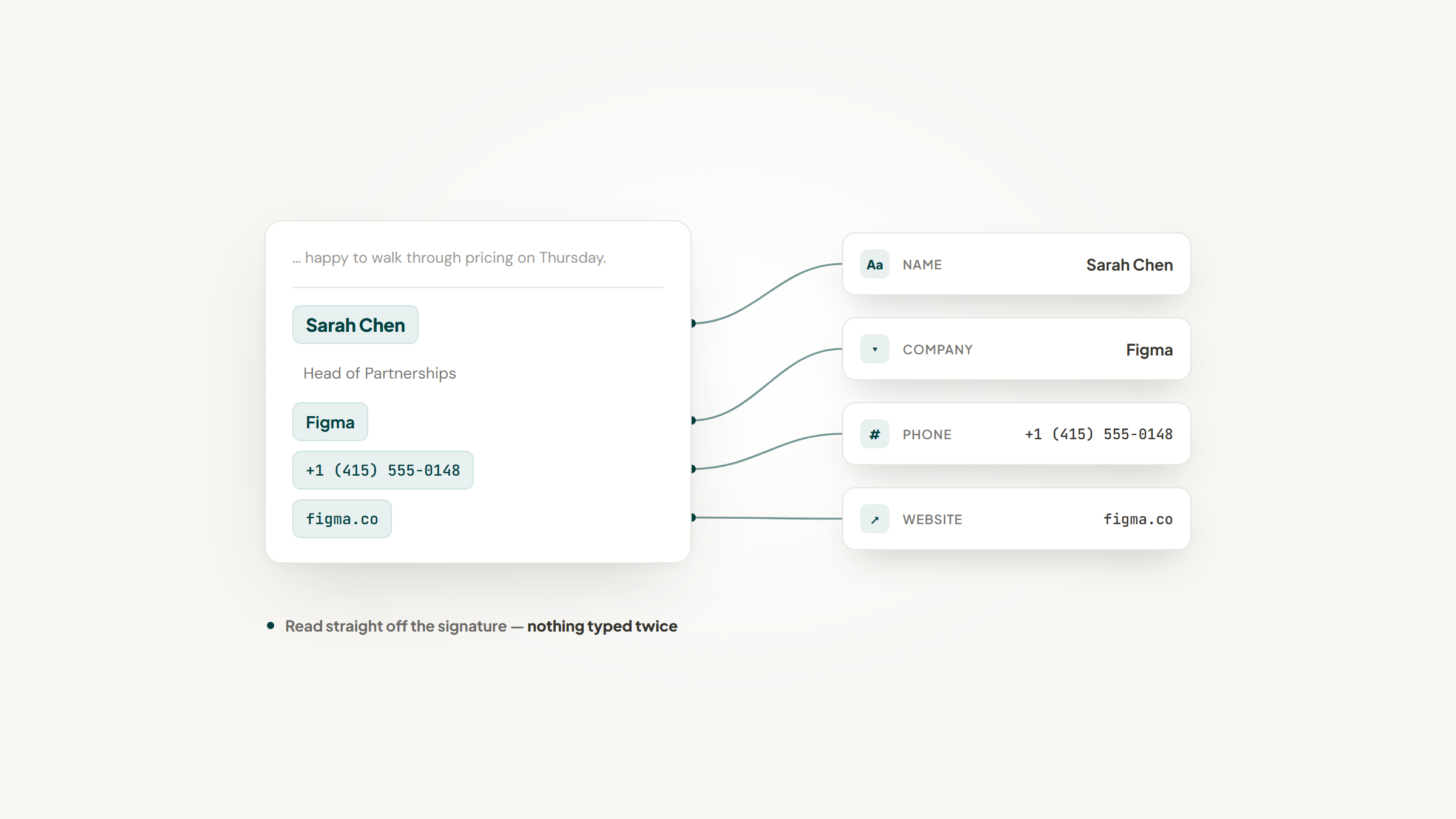
That's the half we work on. Lead to Notion is our free Chrome extension for the browser end of the problem: you're on a company's site, you decide they matter, and the record exists before you've switched tabs. It won't let you save the same company twice, and it stamps the date on every note you add later.
It does not touch Gmail at all, and we're not going to pretend otherwise. If your leads arrive by email, use a forwarding tool from the table above; that's the right answer and it isn't ours. If they arrive because you went looking, this is what we built.
No cost, no account, no servers. The friction we'd rather you hear from us: it isn't listed in the Web Store, so installation means unzipping a folder and loading it through Developer mode, and your database needs its fields mapped once before the first save. All of it is in the setup guide.
Choosing a Method
Pick on where your mail comes from and how much you'll build.
The most telling thread we found wasn't about integrations at all. When Notion Mail launched, users in r/Notion worked out within days that it was a wrapper on one Gmail account, with one commenter noting you couldn't link multiple addresses, only the one tied to your Notion account. Others found that labels Notion added stayed in Gmail permanently, even after you stopped using it.
That's anecdotal, and it reads differently now. The product that was going to solve this shipped with limits its own users spotted immediately, and eighteen months later it's being switched off. Notion is not an email tool, is about to be less of one, and every real route runs through something else.
So: a handful of emails, one direction, is a free Zap. Proper field mapping and attachments is a point tool at $10 or so a month. Real logic in the middle is Make or n8n. And if you're on Notion Mail today, your actual first task isn't choosing any of that. It's exporting your drafts and snippets before 21 September.
If your leads come from browsing rather than your inbox, our extension handles that side. More on our blog: Notion automations for what runs unattended, the Notion HubSpot integration piece if your CRM lives elsewhere, and Notion vs Monday or Notion vs ClickUp if you're still choosing the CRM itself.
Frequently asked questions
Yes. Notion Mail shuts down on 22 September 2026, confirmed on Notion's own help pages. Exports opened 25 June and the last day to save data is 21 September. Your emails are safe because Notion Mail always synced two-way with Gmail, so the mail lives in Gmail. What you lose if you don't export: drafts, scheduled emails, snippets, auto-label instructions, custom views, and reminders. Existing synced databases keep their rows but stop receiving new emails after the shutdown date.
Turn Notion into your CRM
Lead to Notion is a free Chrome extension. Save leads to your Notion database in one click, add notes, and track your pipeline. No account, no server.